
You may have noticed a few changes to some of the SOLIDWORKS sites in the past month or so.
Starting 7th November 2022, Dassault Systèmes initiated the process of bringing everything together on to one system, to simplify and improve the user experience. An email was sent out to all users and admins to make them aware of these changes, but we felt it was necessary to expand on the information provided and ensure you still have access to the intended areas. With that in mind, this blog will go through some of these changes and how they affect you.
Changes for All Users
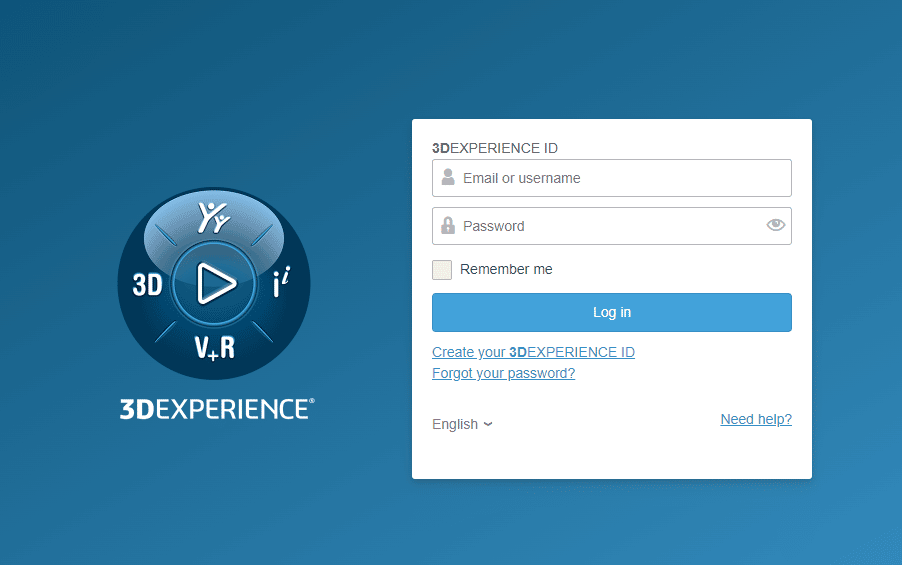
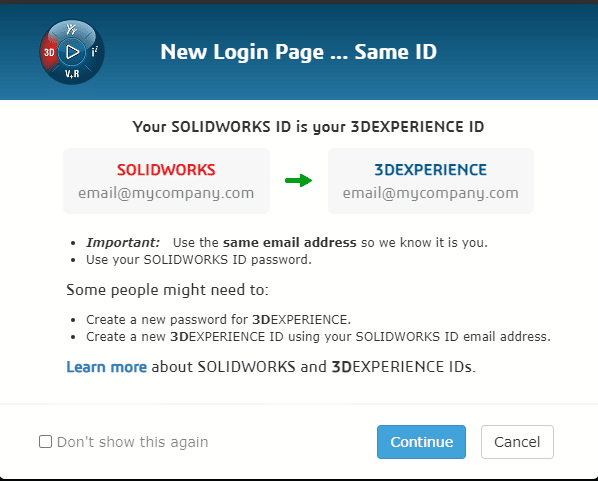
All users must now log in using the “Log in with 3DEXPERIENCE ID” option on solidworks.com, my.solidworks.com, or 3ds.com.
The credentials for your 3DEXPERIENCE ID are the same email address and password you currently use for your SOLIDWORKS ID. If you do not already have an existing SOLIDWORKS ID, you will not need one, you can simply create a 3DEXPERIENCE ID.
This is the only way you can log in to access subscription benefits such as Software Downloads, Training, and Knowledge Base articles. You no longer need to visit the Customer Portal.
Changes for Administrators
Users will no longer need to register a SOLIDWORKS serial number to access the benefits of an active subscription. These benefits will now be granted simply by being a contact within your organisation.
This makes it very important that Admins keep on top of their contacts, products, and services. This will no longer be done in the SOLIDWORKS Admin Portal. Instead, this functionality will move to the DSx Client.
Please note, all contacts who were admins or members in the SOLIDWORKS Admin Portal have already been moved to the DSx Client as contacts. You do not need to add them again. As a SOLIDWORKS Admin you have been automatically granted the Administrator role for your organisation, which allows you to access the Contact Administration tool.
The Contact Administration tool will allow you to view and manage your contacts. You will no longer need to assign products to contacts to grant them subscription benefits, you only need to add the contact to your organisation. The process to add a contact is as follows:
- Log in to DSx Client Care and Order
- Click Contact Administration from the Main Menu
- Add the contact
- Assign a role. Generally, the “Support Restricted” role is appropriate for most SOLIDWORKS users.
Users will be entitled to subscription benefits once they log in with a 3DEXPERIENCE ID, using the same email address you defined when adding the contact.
A replacement tool for the Products tab in the SOLIDWORKS Admin Portal is planned for April 2023.
For more information on these changes, please get in touch or see the FAQs.