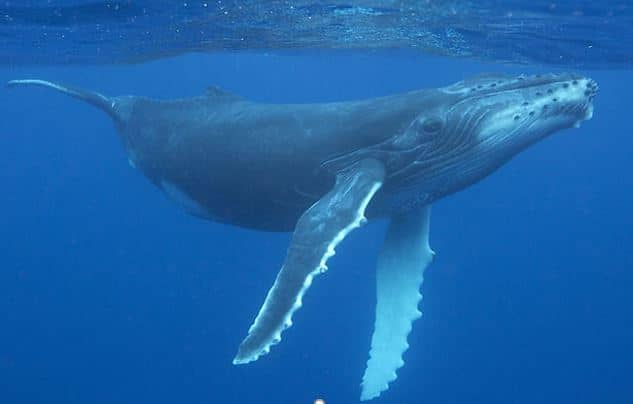
Shakey Robotics is a Scottish based environmental technology company, creating innovative autonomous robotic solutions at the cutting edge of marine subsea observation. Supporting development of subsea food forests, farming and carbon sequestration and mitigating risks of invasive species transfer - all United Nations Sustainable Development goals.
Learn how the SOLIDWORKS Startups Program helped Shakey Robotics design and create an artificially intelligent whale calf.
"Stephen Govenlock, Founder was contracted to produce a robotic whale calf to discover potential marine health risks and measure the impact of subsea assets, while blending in with the marine habitat. The Glasgow firm Fearsome (a TMS customer since 2002) did much of the tail animatronics and I directed the development of the mechanical power transfer module. I took a point cloud scan of the clay model that the whale head was made from. From that 6 GB point cloud I produced a SOLIDWORKS part file by importing the point cloud. The whale is proving highly successful on its second outing, this time, in Mauritius.
I have dealt with TMS in various roles over the years. The thing that sold the SOLIDWORKS Startup Program to me is the support of TMS CADCentre. When I need help, I get straight through to a member of the TMS Support Team who help us very quickly indeed. TMS is what makes SOLIDWORKS work, without TMS’s high level of service SOLIDWORKS is just another design and development tool.
Without the SOLIDWORKS Startup Program bolstered by TMS’s Support Team, there is just no way that my Mechatronics Engineer and I would ever be able to compete in this market. SOLIDWORKS along with TMS’s Support is essential to the timely delivery of our products and therefore our success as a business. No other design solution has the combination of a solid design platform backed up by outstanding customer service through TMS."
Derek Kerr, Senior Mechanical Engineer