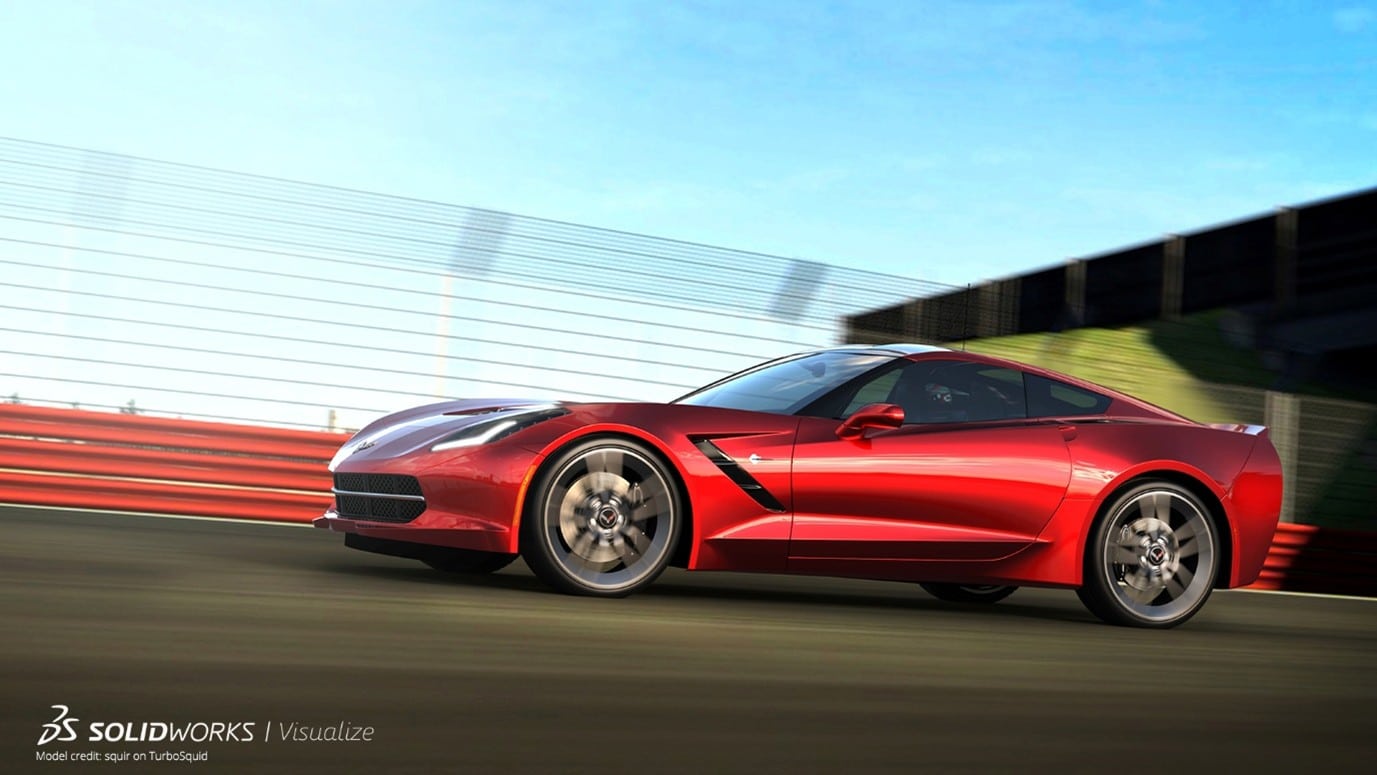
SOLIDWORKS Visualize allows you to use your 3D CAD data to create photorealistic content in the fastest and easiest way you can from images to animations, interactive web content, and immersive virtual reality files.
What can Visualize Standard do?
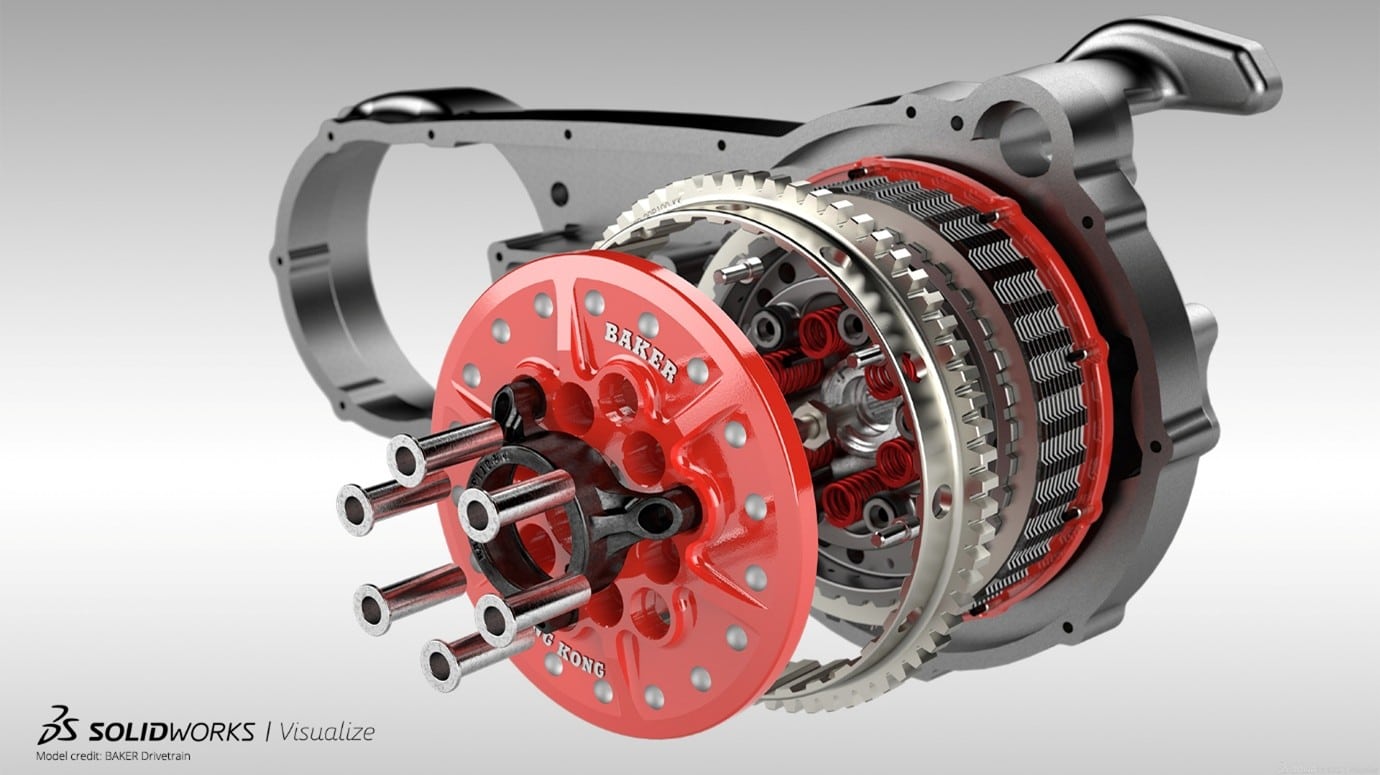
Visualize Standard is available to all SOLIDWORKS Design Professional and Premium licences that are on active subscription. Using the Visualize client you can set up and fully control all aspects of the render scene from physically based materials, lighting and camera settings to produce perfect photo quality renders.
New with SOLIDWORKS Design 2026, there is the option to create a render directly in SOLIDWORKS Design using the Visualize add-in. This allows you to quickly produce photo quality renders without having to leave SOLIDWORKS Design. Users of the old Photoview360 add-in will be familiar with this user interface and functionality.
What can Visualize Professional do?
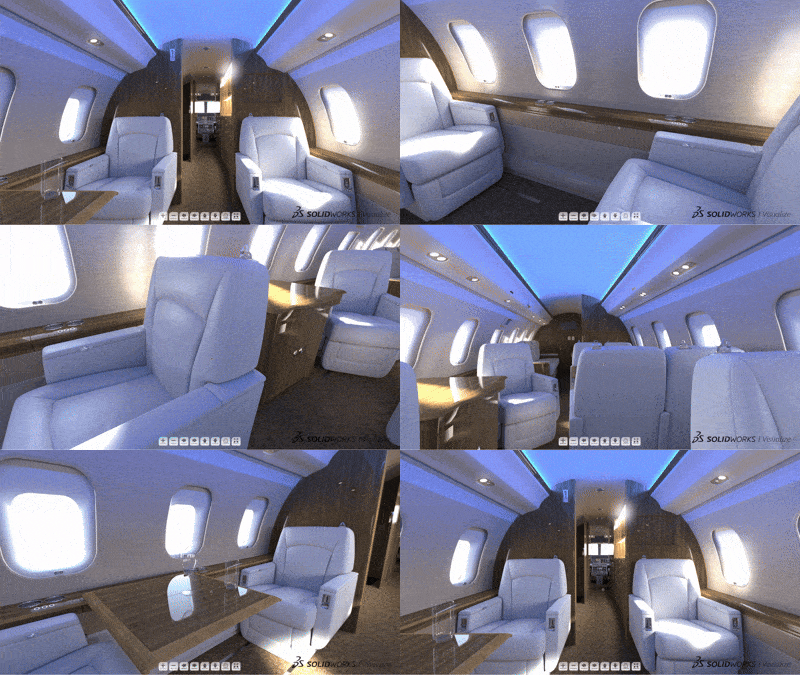
Visualize Professional is included with SOLIDWORKS Design licences (including Standard) licenced through the 3DEXPERIENCE platform or it can be purchased separately for other users. It has all the same capabilities that Visualize Standard has as well as a full suite of animation tools, the ability to produce interactive web content and creating AR/VR content.
How do I install/activate Visualize as a non-SOLIDWORKS User?
How do I install/activate Visualize as a SOLIDWORKS User?
If you have any questions about anything in this blog or need assistance with the install, please feel free to give us a call on 01324 550 760 or email us at SOLIDWORKS.Support@tmscadcentre.com
Learn more about how SOLIDWORKS technology can accelerate your projects