AUTODESK

Spot the Difference

Sep 14, 2023 | Uncategorised

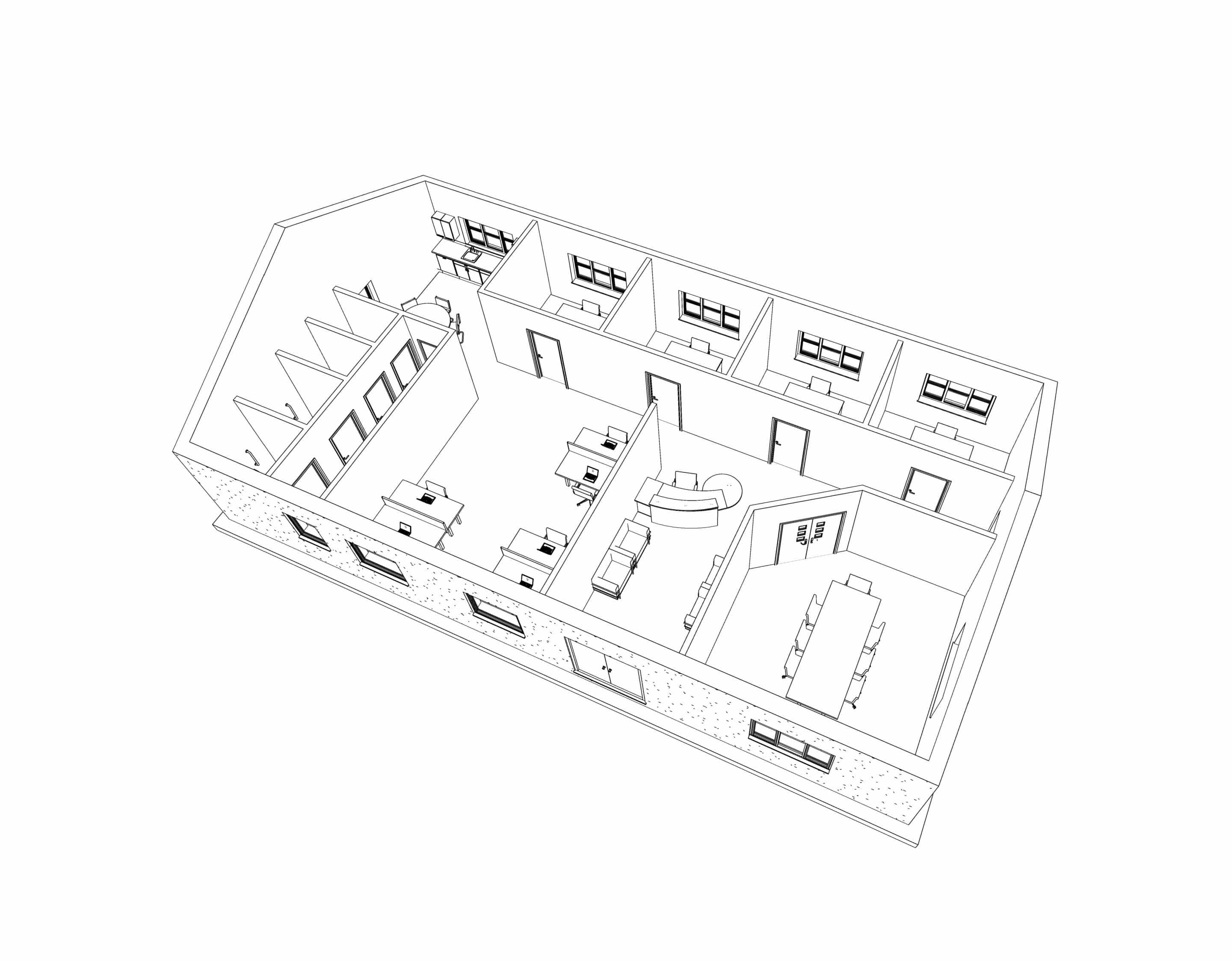
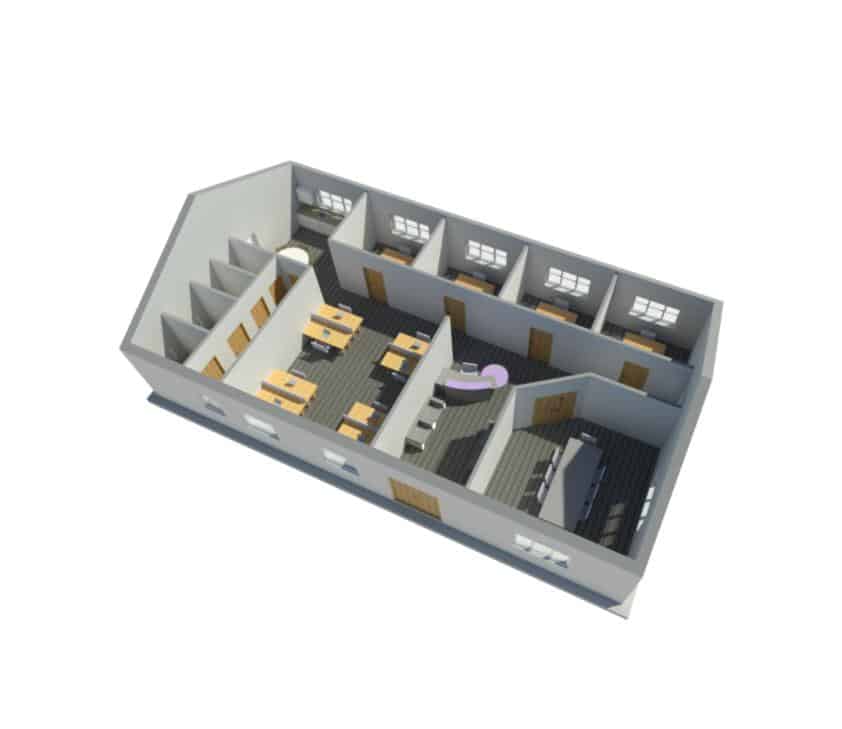
Can you spot the difference between the two floor plans below created by Autodesk CAD Software?
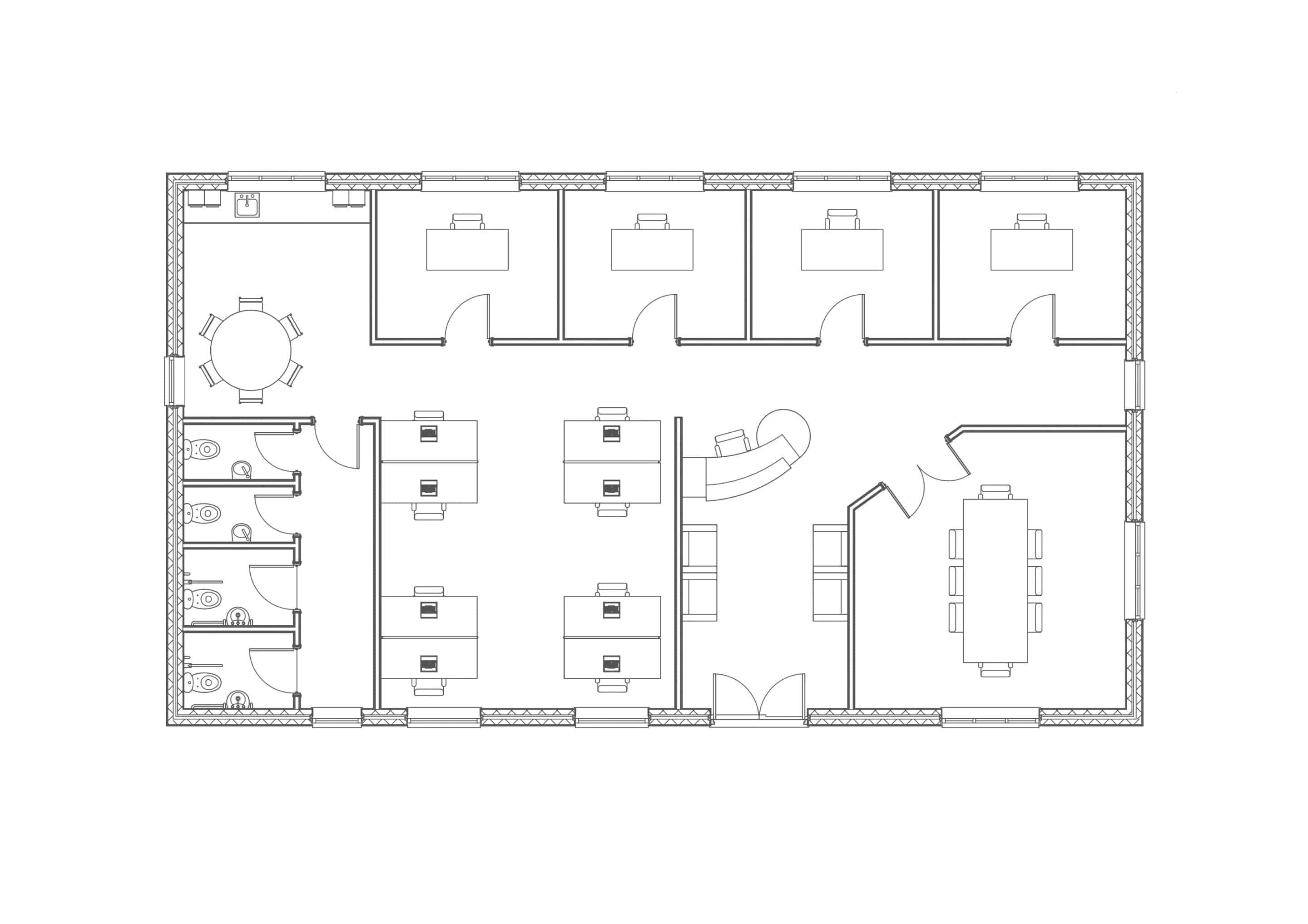
There's no difference!

Both images are identical but Drawing A took 15 minutes to complete and Drawing B took 75 minutes to finsh, an hour longer!

Why?

Drawing A was created using 3D Revit and Drawing B was created using 2D AutoCAD.

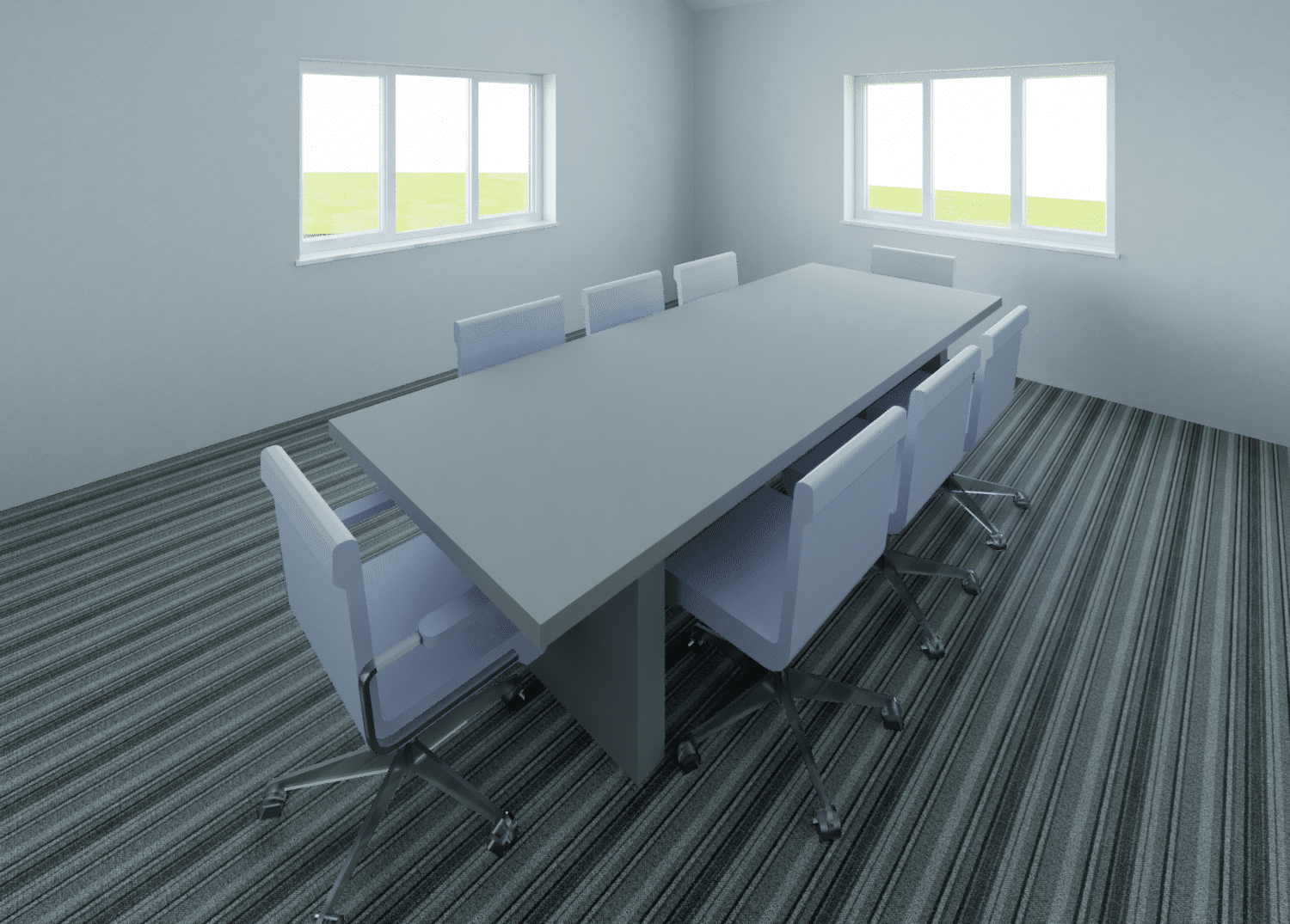
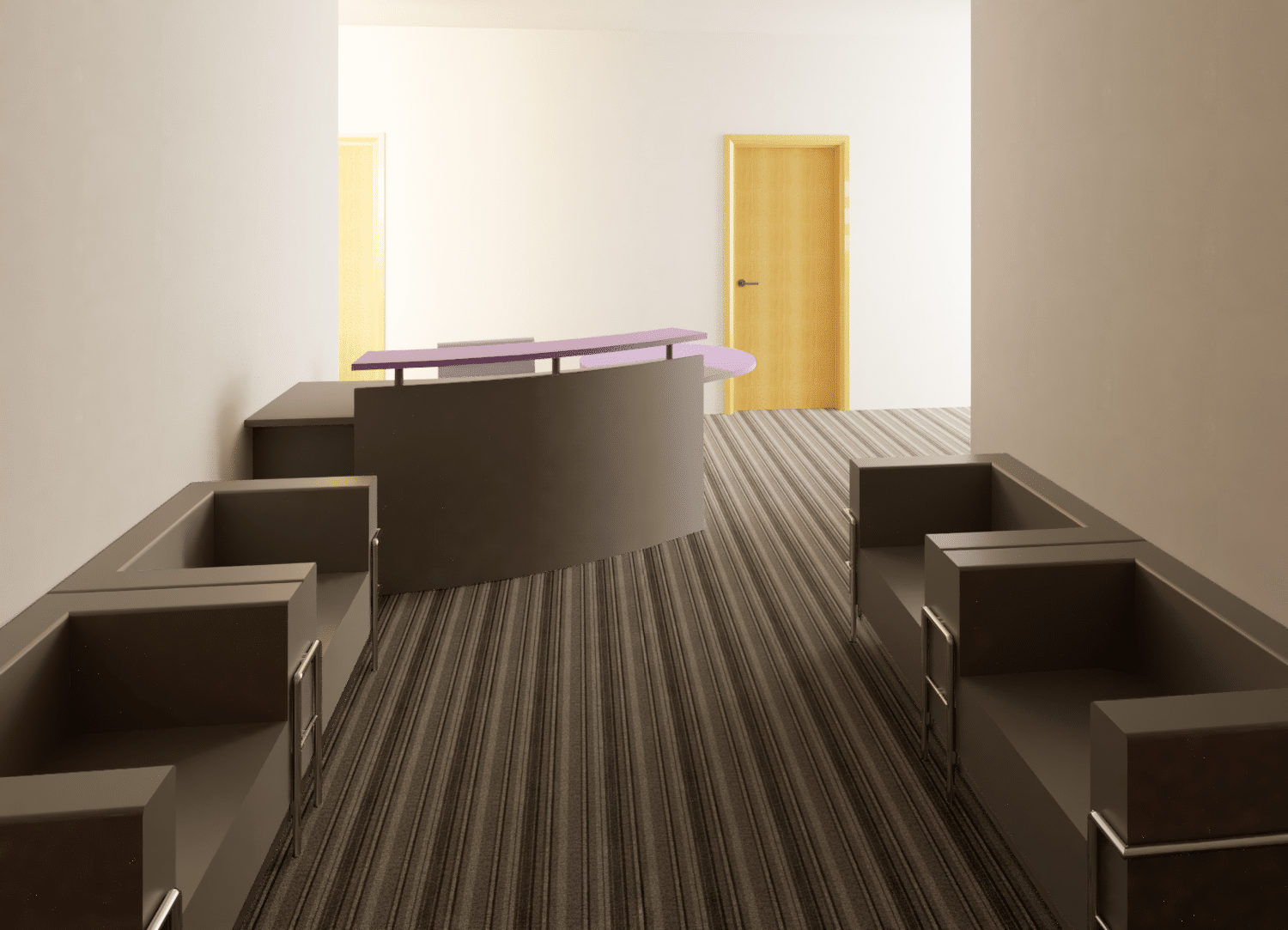
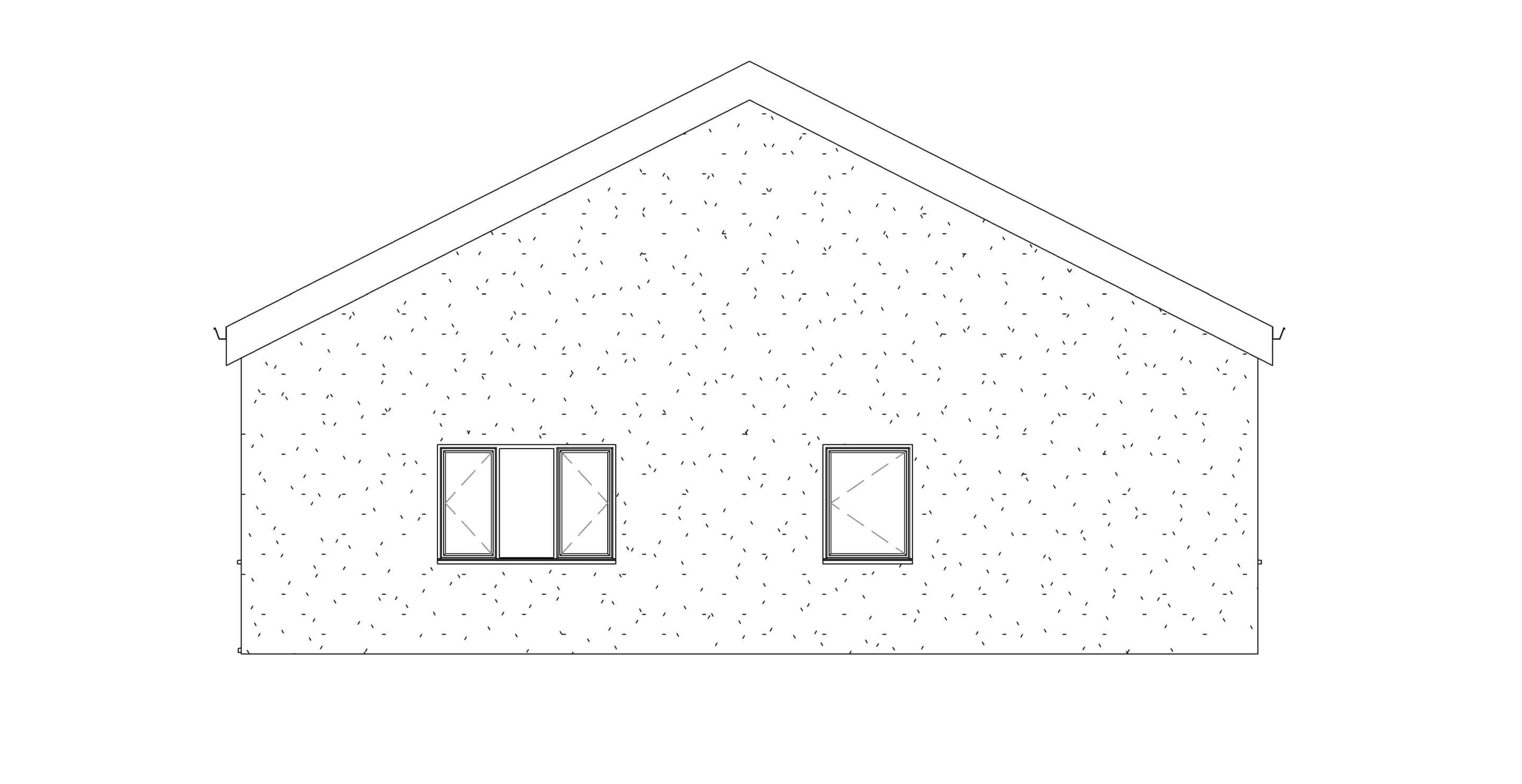
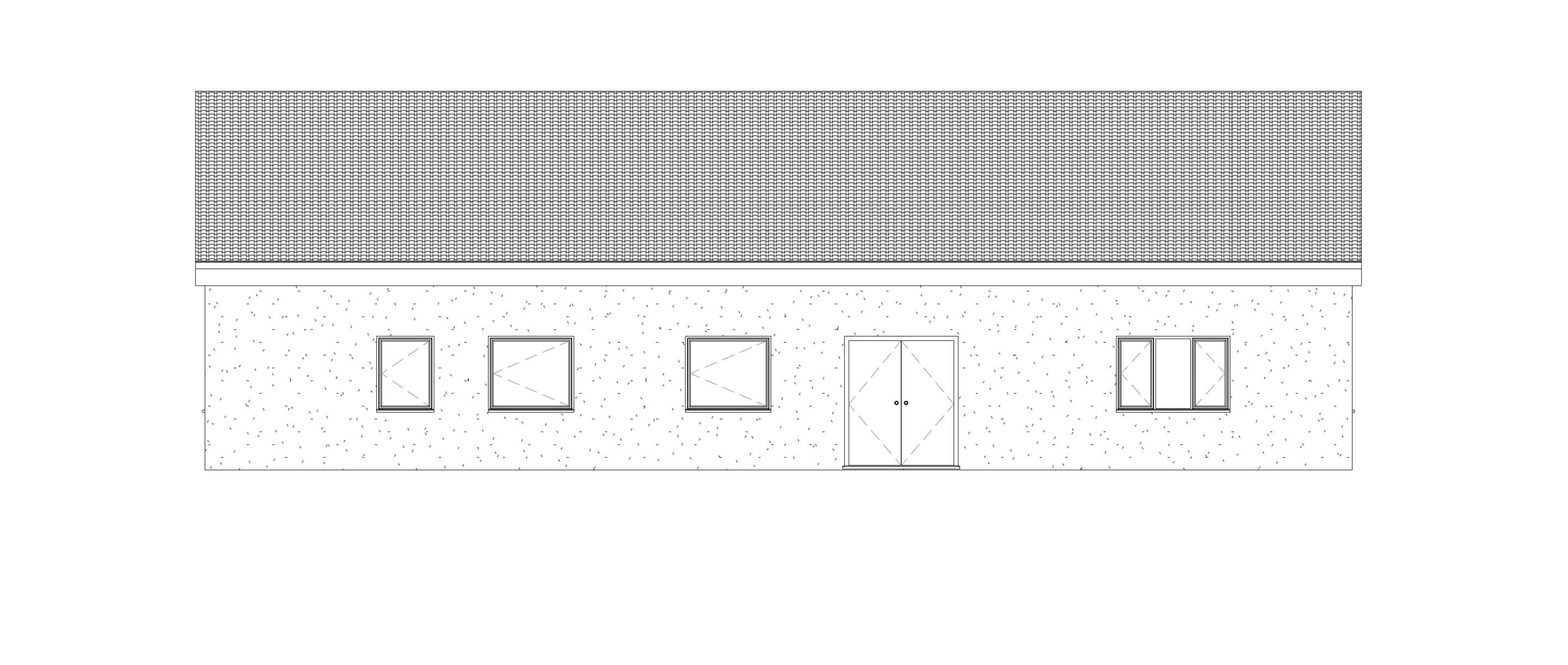
In addition, at the same as creating Drawing A using Revit, it was possible to generate all these images too.
Isn't it time for you to investigate what Revit can do for you? How much time and money could you save while creating your designs and documents?

Get in touch for a demo and quote from our experienced Autodesk Team.

Related Articles

10 Easy AutoCAD Customisations That Can Improve Workflows

10 Easy AutoCAD Customisations That Can Improve Workflows

Small changes that can make a big difference to your daily workflow. Whether you're producing architectural drawings, engineering layouts or construction documentation, the way AutoCAD is configured can have a significant impact on how efficiently you work.  One of...

AutoCAD CAD Standards: Improve Drawing Consistency & Quality  

AutoCAD CAD Standards: Improve Drawing Consistency & Quality  

Consistency is one of the foundations of good CAD management. Whether you're working independently or collaborating across a large design team, maintaining drawing standards helps improve quality, reduce errors and make projects easier to manage.  AutoCAD includes a...

Three Alignment Commands Every AutoCAD User Should Know

Three Alignment Commands Every AutoCAD User Should Know

Producing professional drawings isn't just about creating accurate geometry. Clear, consistent annotation is equally important for communicating design intent.  Misaligned leaders, uneven text and poorly positioned annotations can make drawings harder to read,...