
As a new academic year begins, lecturers and students are getting ready for another year of learning, creativity and new challenges. For students studying architecture, design, construction and other creative subjects, having access to the right digital tools can make a real difference.
3D modelling software gives students the opportunity to turn ideas into something they can see, explore and develop and SketchUp provides an intuitive way to bring that experience into the classroom.
The gap between education and industry is becoming increasingly important. Students aren’t just learning for their next assignment; they’re developing skills that could shape their future careers.
SketchUp is widely used across architecture, construction, interior design and related industries, making it a valuable tool for students who want to gain experience with real-world 3D design workflows.
For higher education users, SketchUp Studio for Universities provides access to professional-grade tools used in industry, helping students go beyond basic modelling and explore more advanced workflows. This can include features such as enhanced visualisation and design analysis tools, supporting a deeper understanding of how projects are developed in practice.
By introducing students to industry-relevant software while they’re still in education, teachers can help them build confidence with digital design tools and develop skills they can take with them into further education and the workplace.
Learning new software shouldn’t get in the way of learning how to design.
SketchUp is designed to be intuitive, allowing students to start creating 3D models without having to spend excessive amounts of time learning complicated software. From simple classroom exercises to more detailed projects, students can develop their skills as their confidence grows. They can explore ideas, make changes and see their designs come together in 3D.
This makes SketchUp particularly useful for encouraging design thinking, creativity and hands-on problem-solving.

One of the biggest advantages of working in 3D is the ability to experiment.
Students can take an initial idea and quickly turn it into a model, allowing them to explore different possibilities and understand how their designs work in a real-world context. They can test ideas, make changes and learn through the process rather than simply working towards a final result.
Whether they’re designing a building, developing an interior space or exploring a construction concept, SketchUp gives students the freedom to experiment and develop their own ideas.
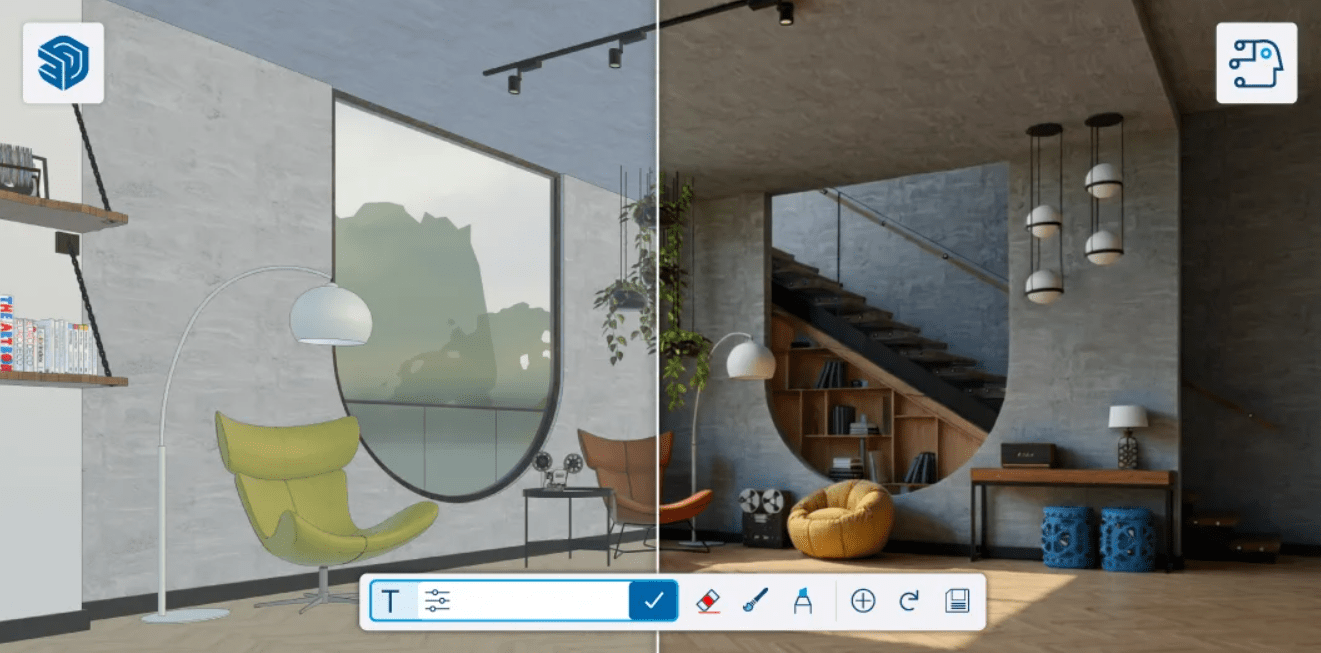
Today’s classrooms don’t always look the same. Students may be working in a computer suite, on their own devices or in blended learning environments.
SketchUp offers flexibility across different platforms, including desktop, web and iPad applications, depending on the licence and device being used. This makes it easier to incorporate 3D modelling into a variety of teaching setups.
This flexibility also means students can continue developing their projects beyond the classroom, giving them more opportunities to practise and refine their skills.
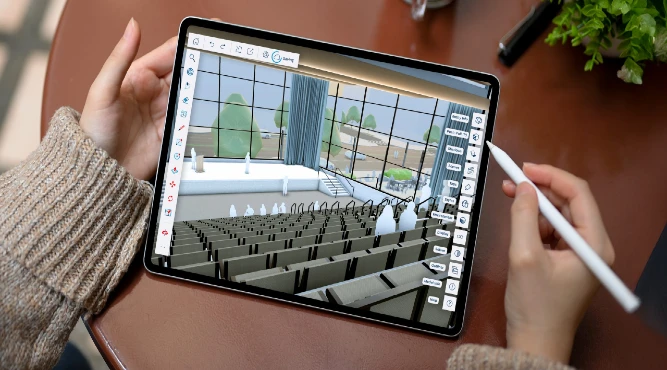
For students considering careers in architecture, engineering, construction, interior design or other creative industries, the skills they develop at school or college can provide an important foundation for their future.
SketchUp can help students develop more than just software skills. It can encourage them to think spatially, communicate ideas visually, solve problems and present their work with confidence. When it comes to applications, interviews or building a portfolio, being able to demonstrate experience with industry-relevant tools can help students stand out.
The classroom can be the starting point for a career and the right digital tools can help students take that first step.
As you prepare for the new academic year, why not consider how 3D design could enhance your students’ learning experience?
With intuitive tools, flexible access and workflows used by professionals, SketchUp can help bring real-world design skills into the classroom while giving students the freedom to create, explore and learn.
At TMS CADCentre, we can help educational institutions find the right SketchUp solution for their requirements.
Get in touch with our team to discuss your requirements and discover how SketchUp could fit into your classroom