What is Scotties in the City?

Scotties in the City is a major public art trail coming to Glasgow in summer 2026, featuring colourful Scottie dog sculptures designed by artists, schools and community groups. Organised by Maggie's and Wild in Art, the trail will encourage visitors to explore the city while raising awareness and funds to support people affected by cancer.
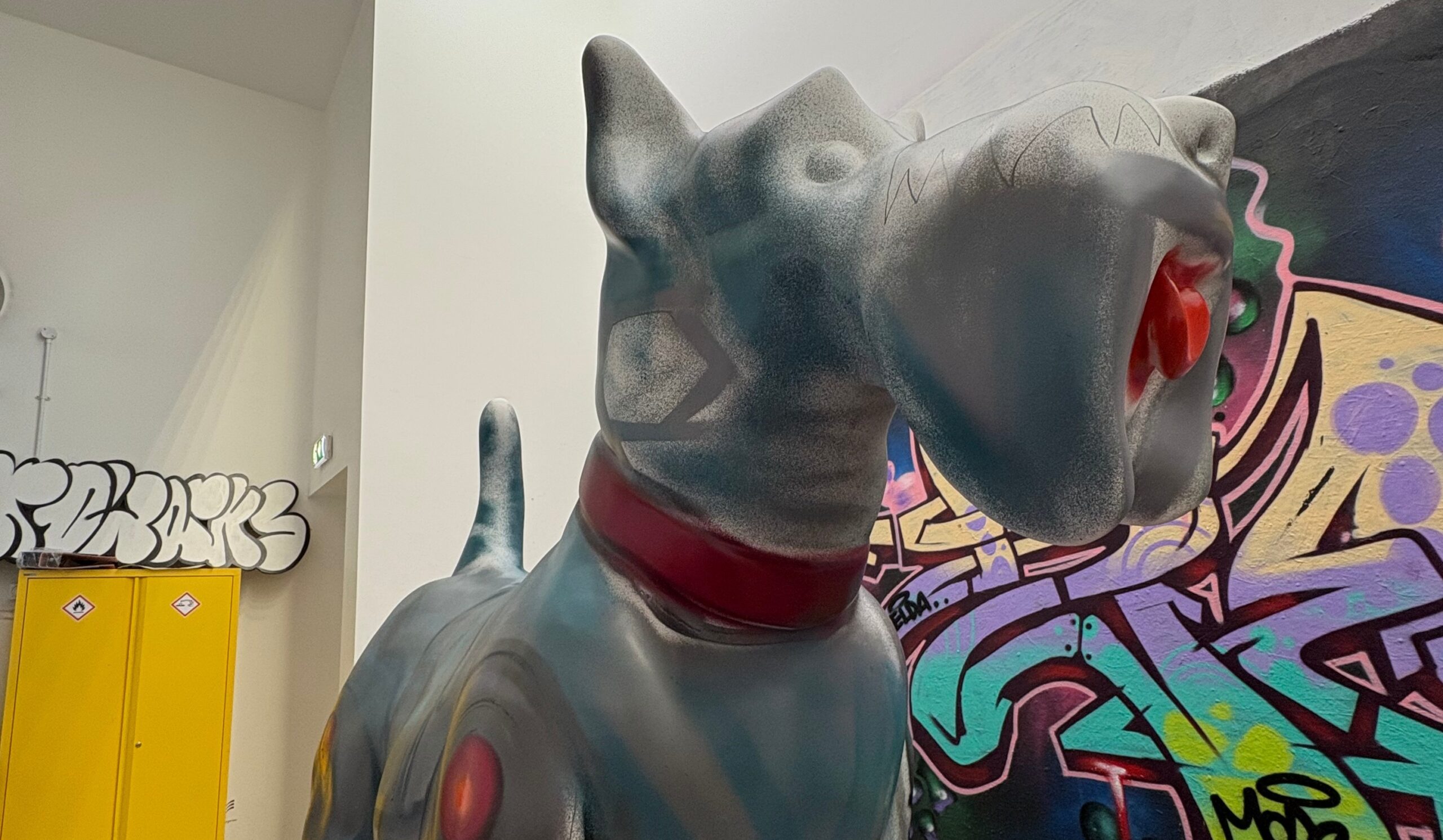
Our Scottie is Robo Doggo! TMS's amazing tech companion. They were created by the incredibly talented @granticle.graff on Instagram and a big inspiration behind the design came from "the fusion of imagination, innovation and hope. Inspired by the advances that are shaping our world, especially those in cancer research"
Where can you find our Scottie?
You can find our wonderful Scottie sculpture at the Glasgow Science Centre.
We are very grateful to the Science Centre and to Glasgow Council for allowing our Scottie to spend its summer there!
50 Pacific Quay, Glasgow G51 1EA, United Kingdom
What about some pawsome prizes!
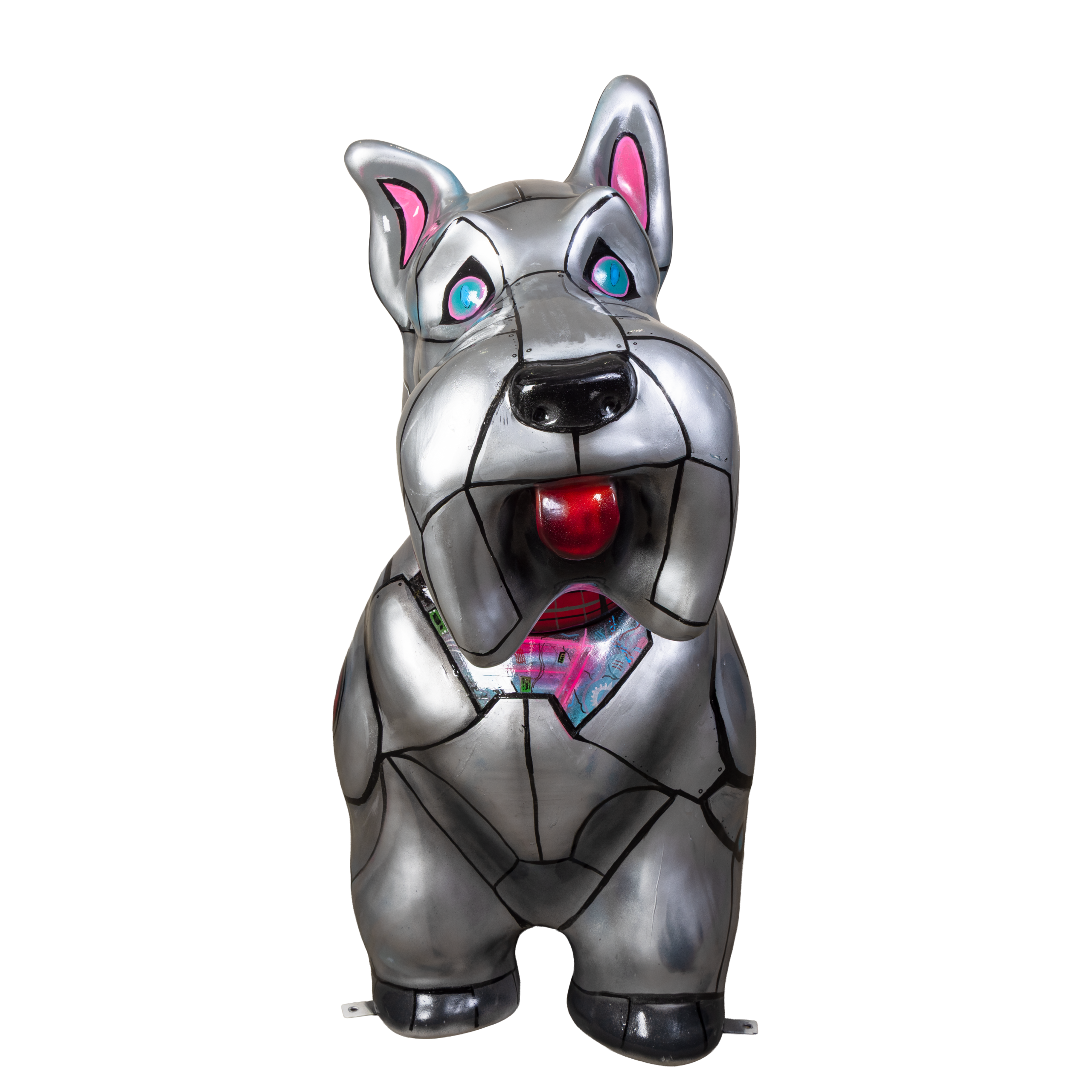
Before you visit Robo Doggo, make sure you download the Scotties in the City app and add our Scottie to your collection and exclusive content!
We're running a monthly prize draw for our social media followers. Simply share a photo of our fantastic Robo Doggo on Facebook or LinkedIn and include the hashtag #robodoggo in your post for a chance to win a £100 Amazon gift card. A new winner will be selected every month.