If your business relies on Autodesk software such as AutoCAD, Revit, Civil 3D or Navisworks, choosing the right subscription option can have a significant impact on both your...

Autodesk Multi-Year Subscription: Is It Worth It?
read more

Read the latest Autodesk news
If your business relies on Autodesk software such as AutoCAD, Revit, Civil 3D or Navisworks, choosing the right subscription option can have a significant impact on both your...

Managing large collections of drawings can quickly become one of the most time-consuming parts of any design project. Whether you're working in architecture,...

Managing multiple Autodesk subscriptions can quickly become complex, especially when renewal dates, licences and budgets are all out of sync. The good news is that it’s now easier than ever to bring everything together into a single, streamlined agreement.
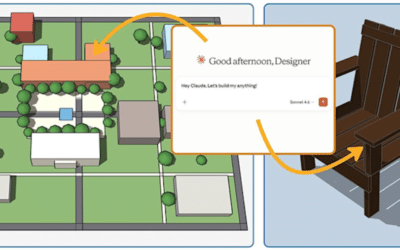
SketchUp continues to evolve with tools that help simplify the design process, and the new SketchUp Connector for Claude is no exception. The latest AI-powered integration allows...

Artificial Intelligence is becoming an increasingly important part of design software, helping professionals complete routine tasks more efficiently while allowing them to focus...

Learn how to insert AutoCAD blocks to improve drawing efficiency, boost consistency and reduce repetitive drafting with practical tips and practices.

Managing multiple Autodesk subscriptions can quickly become complex, especially when renewal dates, licences and budgets are all out of sync. The good news is that it’s now...

Mistakes happen in every drawing. Learn how AutoCAD’s REVERT, UNDO, and OOPS commands can help you quickly recover work and maintain productivity.
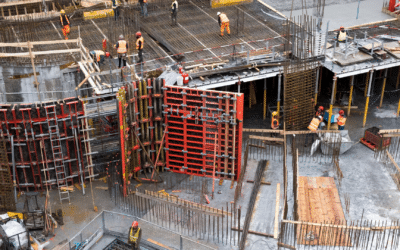
Discover why you should upgrade from Autodesk Revit to the AEC Collection for your architecture engineering or construction firm.