This month join Autodesk Expert Paul Hewitt exploring Autodesk Construction Cloud.
In this video you'll learn how to leverage using 2D and 3D views from Revit Files in a web browser.

This month join Autodesk Expert Paul Hewitt exploring Autodesk Construction Cloud.
In this video you'll learn how to leverage using 2D and 3D views from Revit Files in a web browser.

Creating blocks is a useful part of working in AutoCAD, particularly if you're regularly using the same types of objects in your drawings. But creating a new block from scratch can take time. You need to draw the geometry, check the dimensions and turn it into...
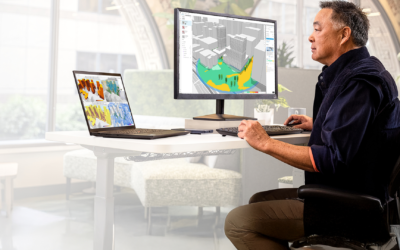
Keeping your Revit model organised is important, but your project information also needs to be clear and easy to understand. As projects become more complex, being able to quickly identify specific elements, highlight important information and check model data...
Working with drawings in PDF format is common, particularly when sharing information with clients, contractors or other project teams. However, what happens when you need to make changes to a drawing but only have a PDF available? Rather than recreating...