
SketchUp continues to evolve with tools that help simplify the design process, and the new SketchUp Connector for Claude is no exception. The latest AI-powered integration allows users to generate SketchUp models through natural language, making it easier to explore ideas and create early-stage designs.
Whether you’re starting with a written prompt, a hand sketch or a reference image, the Connector enables you to create native SketchUp models without beginning from a blank workspace.
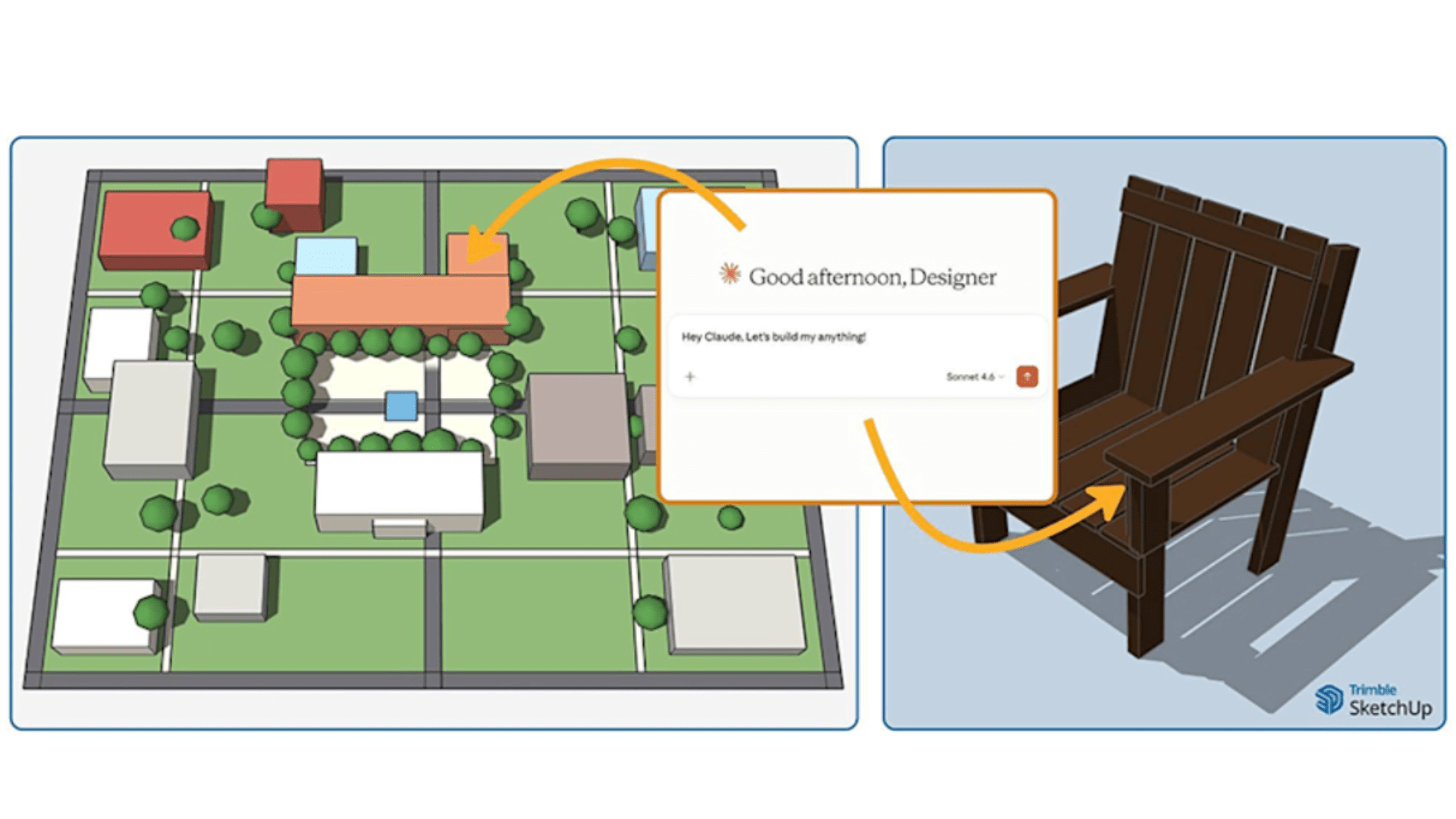
The SketchUp Connector works by allowing you to describe what you’d like to create in a conversation with Claude. Instead of modelling each element manually, Claude generates the geometry for you in a cloud-based SketchUp environment.
You can provide Claude with:
Providing clear descriptions and accurate dimensions will help Claude generate models that more closely match your design intent.
Designs often change as projects develop, and the SketchUp Connector is built to support an iterative workflow.
Once a model has been created, you can continue the conversation by asking Claude to adjust. Whether you want to alter proportions, reposition elements or make other refinements, you can simply describe the changes or upload screenshots to highlight specific areas.
Each session also includes version history, allowing you to review previous iterations or return to an earlier version if required.
When you’re happy with your design, Claude provides a downloadable native SketchUp (.skp) file, along with a preview image of the model.
These files are compatible with SketchUp for Desktop, Web and iPad, allowing you to continue developing your project using your preferred workflow.
During your session, each version of the model remains available to download, together with a summary of the changes made between iterations. While Claude saves the conversation history, model files are not retained once the session has ended.
As well as creating models, the SketchUp Connector can help streamline repetitive tasks. By teaching Claude your preferred design processes and modelling techniques, you can build repeatable workflows that save time on future projects.
This makes the Connector useful not only for generating initial concepts, but also for supporting everyday modelling tasks.
The SketchUp Connector for Claude is available to SketchUp subscribers. To use the Connector, you’ll need:
The service can be enabled through the Trimble SketchUp option within Claude’s MCP directory connector settings.
New users receive a free SketchUp entitlement, allowing them to save up to 30 models. A paid entitlement is required to save additional models.
The SketchUp Connector for Claude offers another way to explore ideas and speed up early-stage design. By combining conversational AI with SketchUp’s modelling tools, users can create concepts more quickly and refine designs through a simple, natural workflow.
If you’d like to find out more about the latest SketchUp features or discuss your software requirements, get in touch with the TMS CADCentre team. We’re here to help you get the most from your SketchUp subscription with expert advice, training and ongoing support.