

The most expensive project issues often aren’t caused by a lack of information; they’re caused by decisions being made without the right context.
In construction, rework, delays and coordination issues frequently occur when teams only discover problems once work has started on site. By that stage, even minor design changes can have significant implications for programme, budget and resources.
Modern construction modelling workflows allow project teams to identify risks earlier, improve collaboration and make more informed decisions before construction begins.
Here are three practical ways contractors can use SketchUp to bring greater clarity and control to project planning.
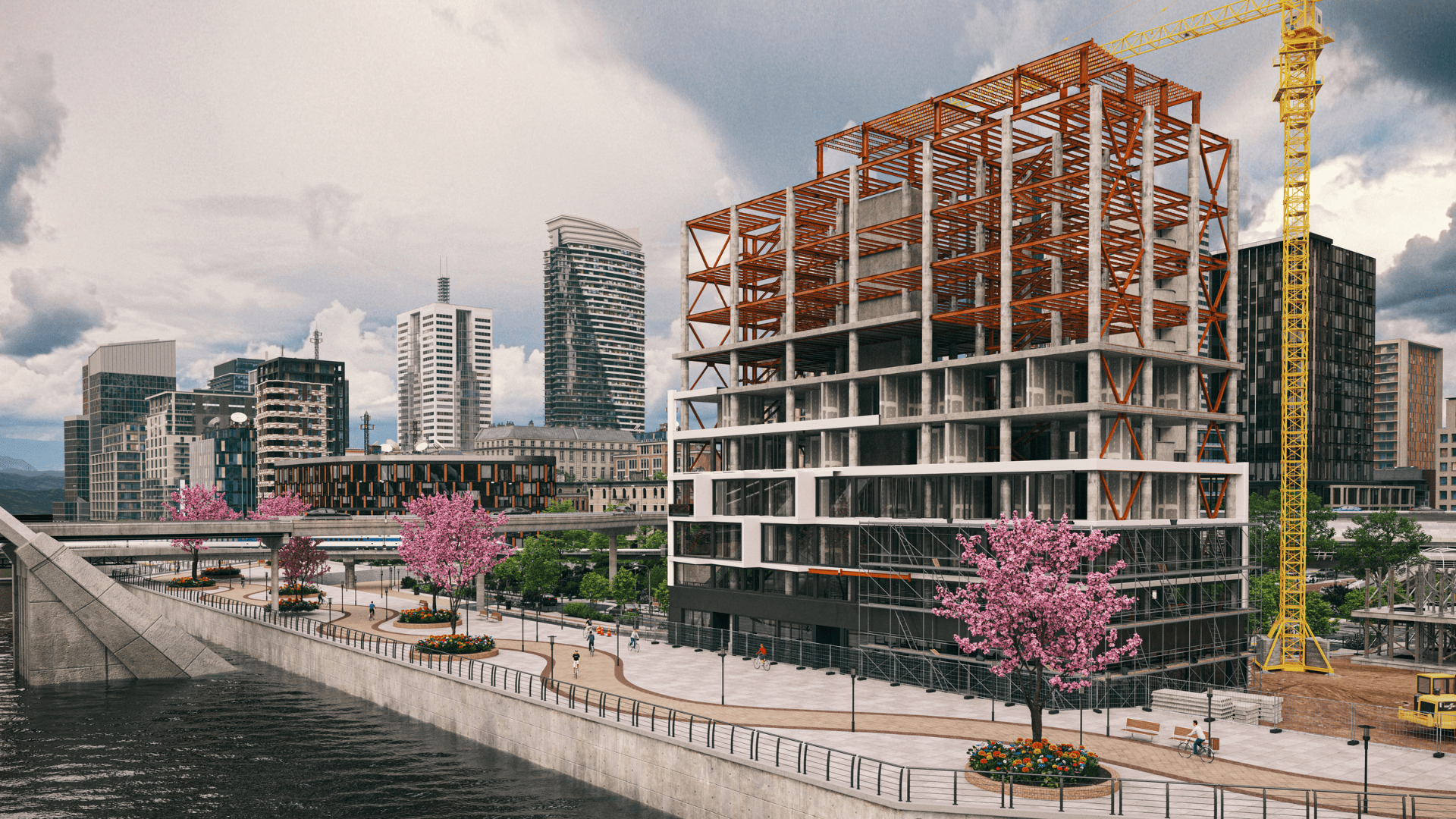
Many projects begin with a design model and add site information later. A more effective approach is to start with the site itself.
By incorporating terrain data, aerial imagery and surrounding site conditions at the outset, project teams can make decisions based on the realities of the environment rather than assumptions.
This enables teams to:
When project discussions are grounded in real-world conditions, teams gain greater confidence in the decisions they’re making from day one.
Existing site conditions are often one of the biggest sources of uncertainty during construction.
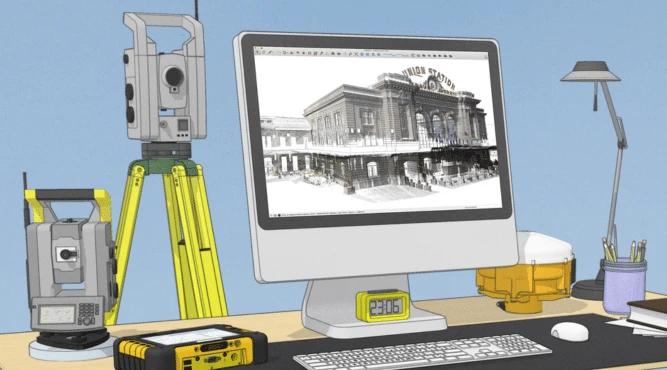
Reality capture technologies, including point cloud surveys, provide an accurate representation of existing environments and enable teams to compare proposed designs against real-world conditions.
Integrating point cloud data into the modelling workflow allows project teams to:
Rather than reviewing survey data in isolation, teams can work directly within a coordinated model environment where design proposals and existing conditions can be evaluated together.
Construction projects involve multiple stakeholders, each with different responsibilities and information requirements.
When models and project data become fragmented across different platforms and file formats, coordination becomes increasingly difficult.
By incorporating IFC models and maintaining associated project information, teams can create a more collaborative workflow that supports informed decision-making throughout the project lifecycle.
This approach helps teams:
A well-structured model becomes more than a visualisation tool; it becomes a shared source of project understanding.

The value of construction modelling extends far beyond creating 3D representations of a project.
When teams combine site data, existing conditions and coordinated project information within a single workflow, models become powerful planning and problem-solving tools.
Project teams can test construction scenarios, evaluate alternatives, identify risks and resolve issues long before work reaches site. This reduces uncertainty, improves collaboration and helps projects progress with greater confidence.
SketchUp provides contractors and construction professionals with an accessible way to bring together design intent, site information and project coordination within a single modelling environment.
Combined with solutions such as Trimble Connect and reality capture technologies, SketchUp supports workflows that help teams:
The result is a more connected and predictable project delivery process.
Successful projects start with informed decisions.
By bringing real-world context into the model early, validating designs against site conditions and improving collaboration across project teams, contractors can reduce risk and solve problems before they impact programme and budget.
At TMS CADCentre, we help construction professionals adopt SketchUp and Trimble technologies that support smarter planning, better coordination and more efficient project delivery.
Speak to our team to discover how SketchUp to help you reduce rework, improve collaboration and deliver projects with greater confidence